 American College of Emergency Physicians
Register as Team Lead
Step 1: Sign in or Create an ACEP account
I have an ACEP account
Sign in to your ACEP account (Sign in link is located at the top right above in the website header) and check the email address associated with it. You must use this same email address when registering for ACEP26.
I don't have an ACEP account
Create an ACEP account and use the same email address for your ACEP26 registration.
Step 2: Register as Team Lead
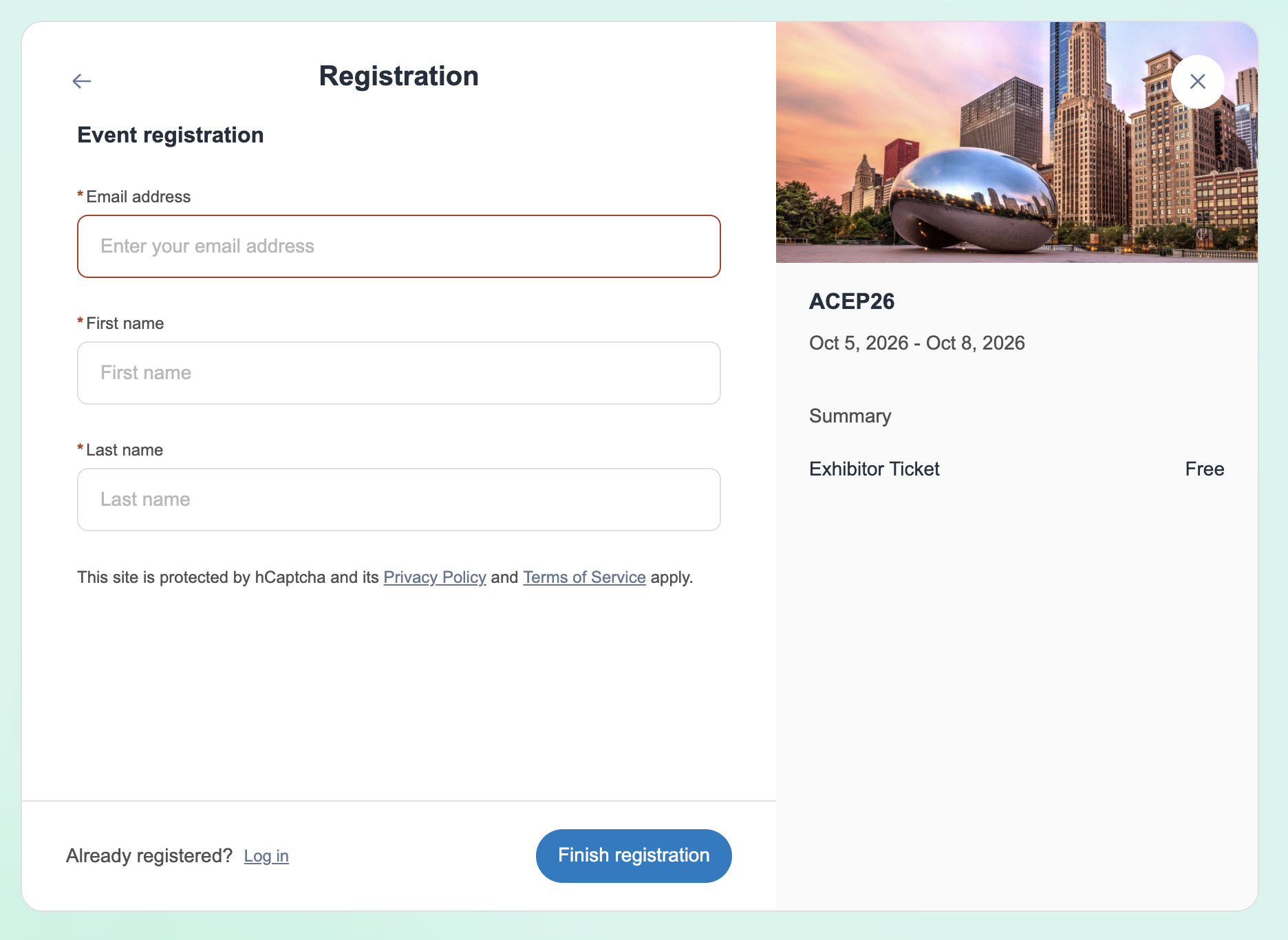
To register, enter your email address, first name, and last name. After registering, you will receive an email with instructions to access the meeting app.
Important: You must register using the same email address associated with your ACEP account.
Download Our Mobile App - ACEP Events